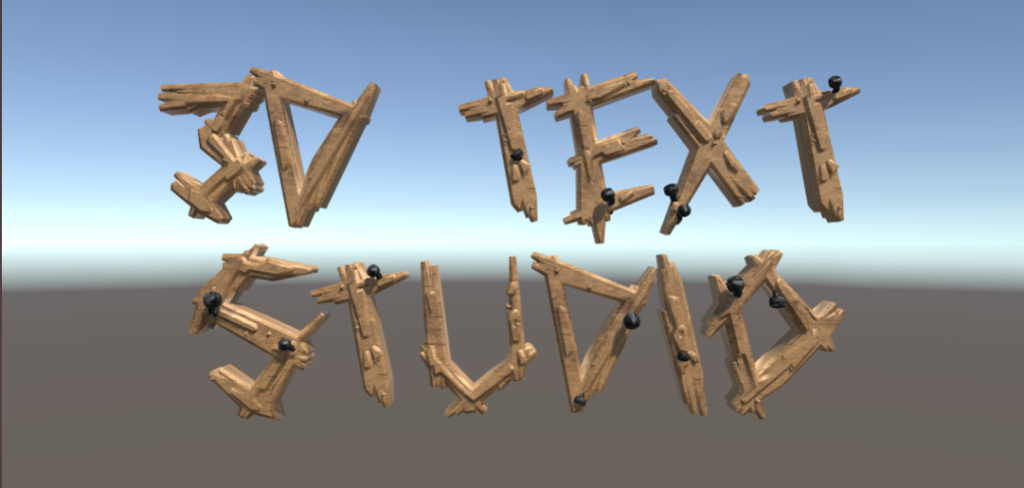
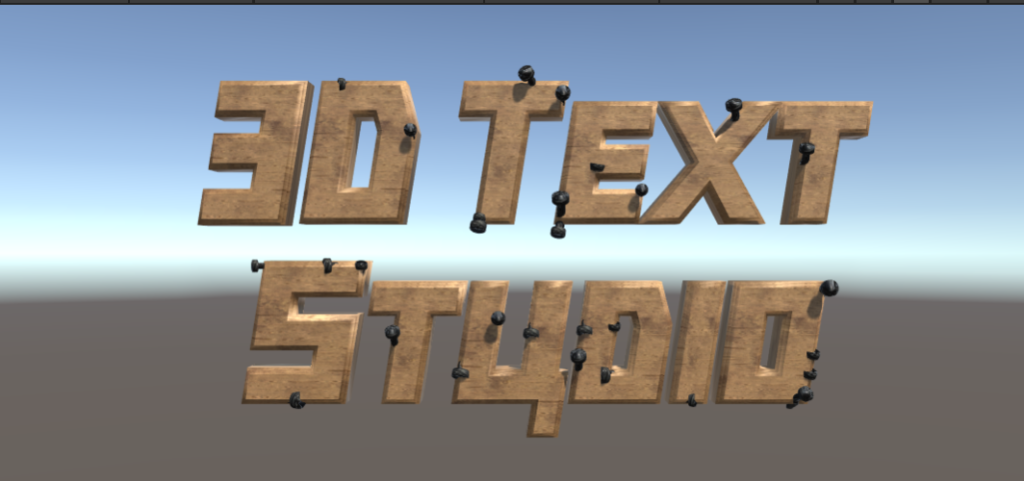
After reviewing the font packages you may want to change the underlying font ttf for some of the font styles. In 3D Text Studio , the ttf data is stored in a Font Asset . you can change the font asset of the font style and give it a whole new look. another reason to change the font asset , is if you are looking to support a different language. 3D Text Studio comes with a collection of Open Font License SIL Font Assets that can be found in 3DTextStudio/Core/BaseTTF
How To change a Font Asset
open the font style you wish to change in the insepector
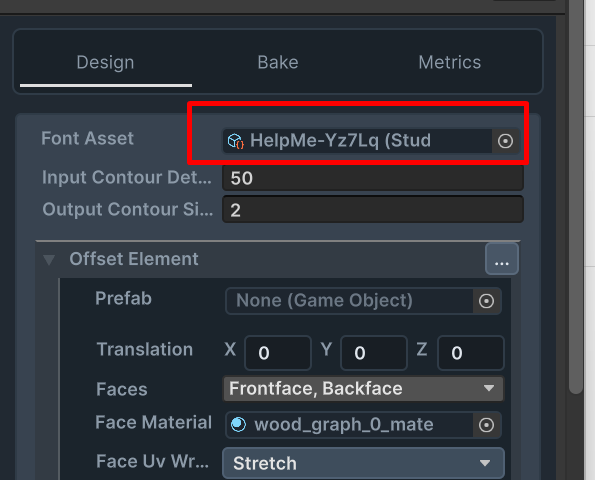
you can change the font asset by assigning the Font Asset field
Important Notice:
some fonts are wider then others. Sometimes after changing the font asset , the font style may look to thin or weired. To fix this , adjust the offsets of the font style elements
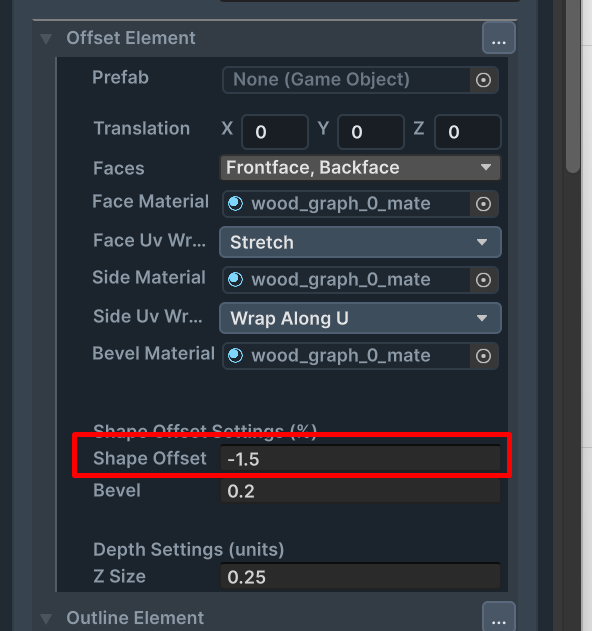
The Result:
these two 3D Fonts are the result of applying different Font Assets to the same Font Style