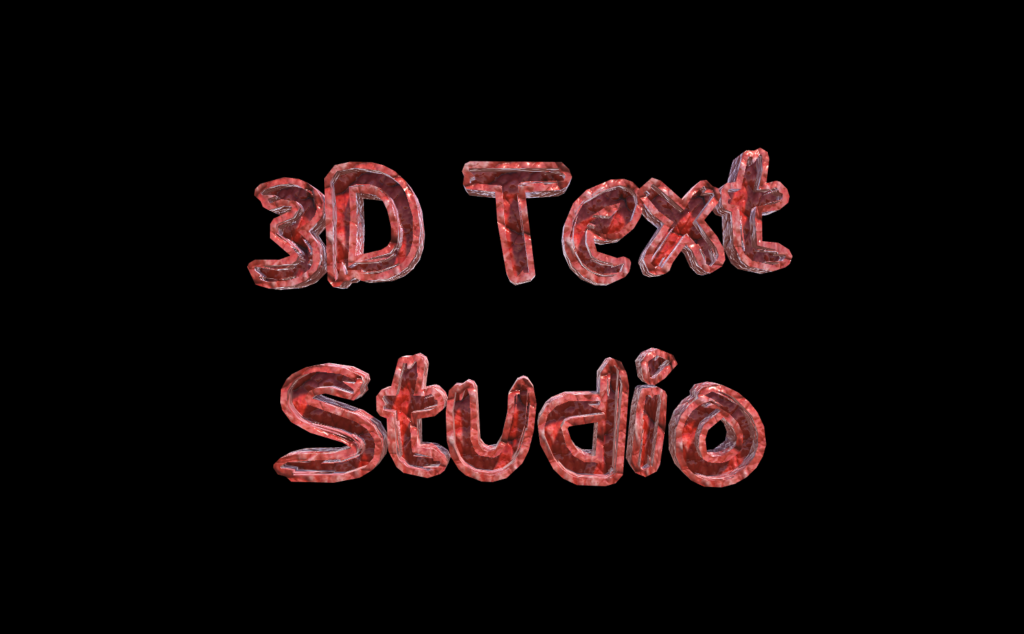
3D Text studio comes with plenty of pre made font styles. You can browse them in the Extras folder in the asset. Note that each of the font packages (each folder) is a standalone , and can be included in your project without the other ones.
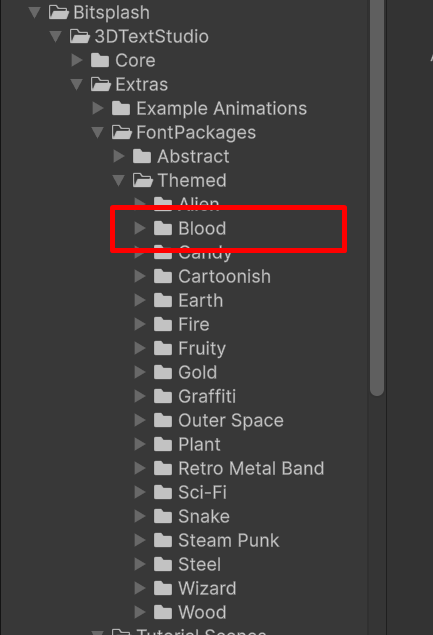
Select a font and import it to your project
Under Bitsplash>3DTextStudio>Extras>FontPackages
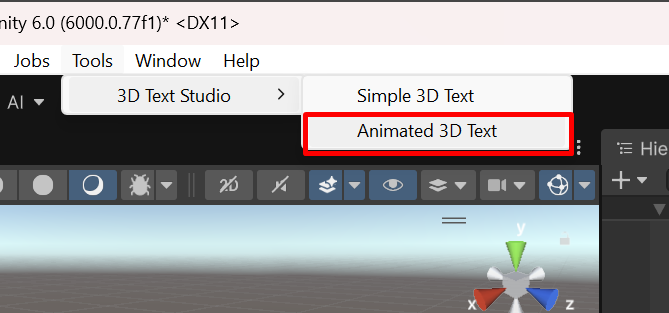
Add a 3D text Game Object to your scene
in the upper context menu go to Tools>3D Text Studio>Animated 3D Text
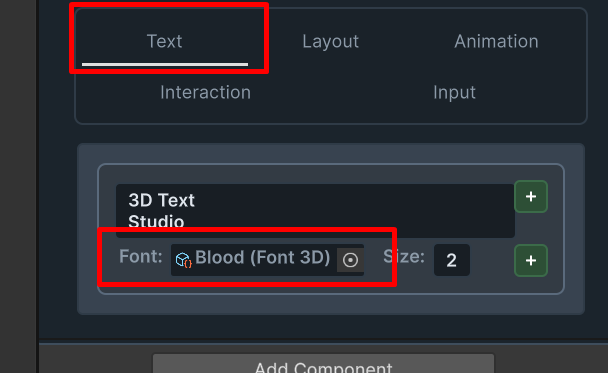
In the Text tab of the newly created object , assign the selected font and select a size.
Your 3D Text Game Object is ready To use: