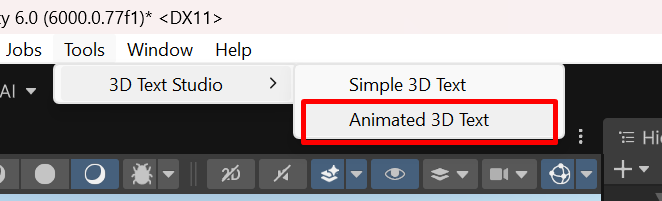
After importing the asset go to Tools>3D Text Studio>Animated 3D Text
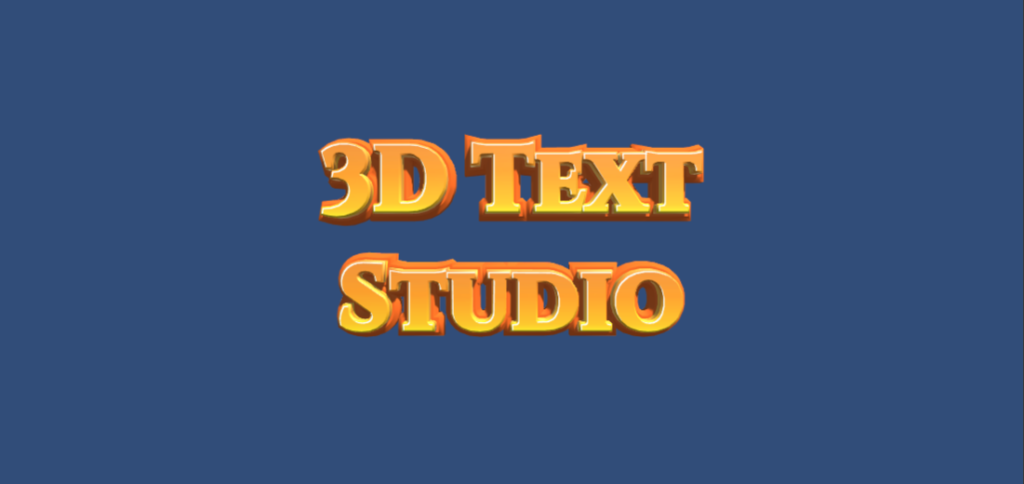
you now have an animate 3d text in your scene :
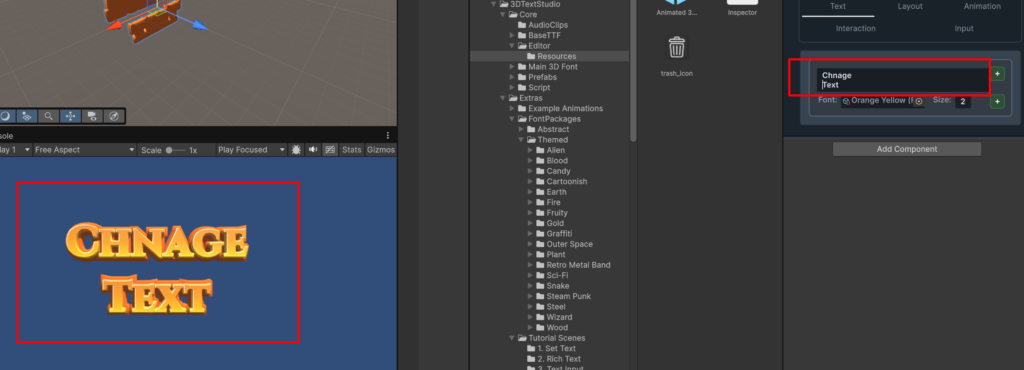
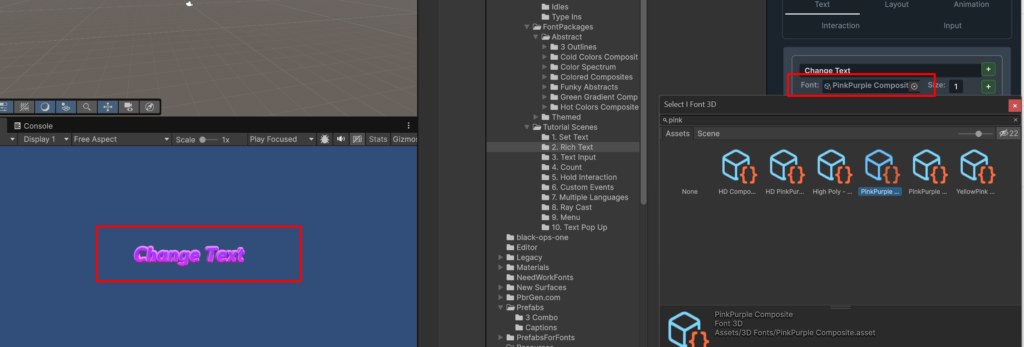
Go the animated 3d text inspector to change the text
Click on the Font property and select a font object from the list:
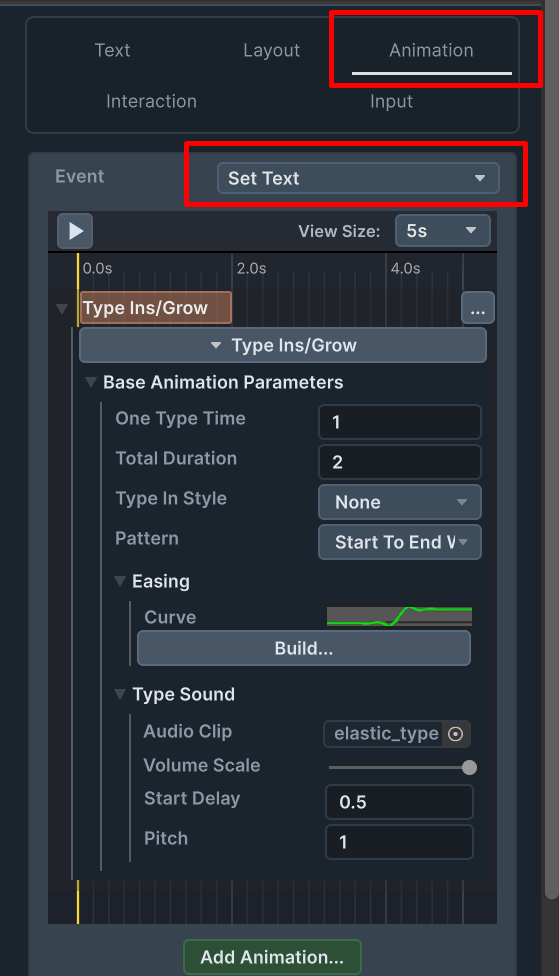
go to the Animation tab and select the event Set Text