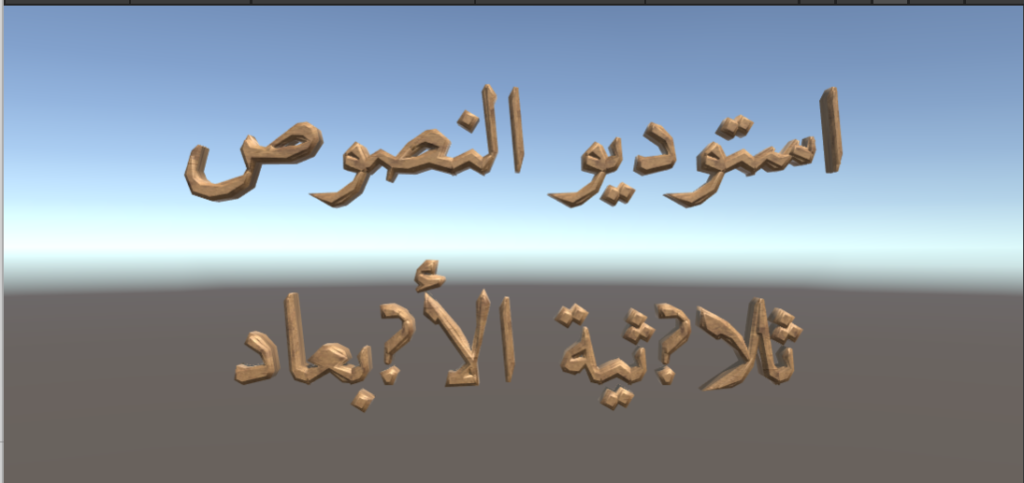
3D Text studio can show letters from the Latin script, Cyrillic ,Greek , Chinese ,Japanese ,Korean , Arabic ,Hebrew and more. However in order for this to work , the underlaying Font Asset must contain these letters. 3D Text Studio comes with a variety of Open SIL License ttf fonts for multiple languages. You can find them in 3DTextStudio/Core/BaseTTF . you can also find ready to use fonts in 3DTextStudio/Main 3D Font/Multilang .
Notice: Keyboard Input for Right to Left languages (like Arabic or Hebrew) is not supported. Also , rich text for RTL languages may require extra attention to pool off
Chainging the language of a font pacakge or style
After you have learned how to Import Font Packages , import a package to your project ( we will be using the Themed/Wood package) and go to the Font Styles inspector. Select the Design tab
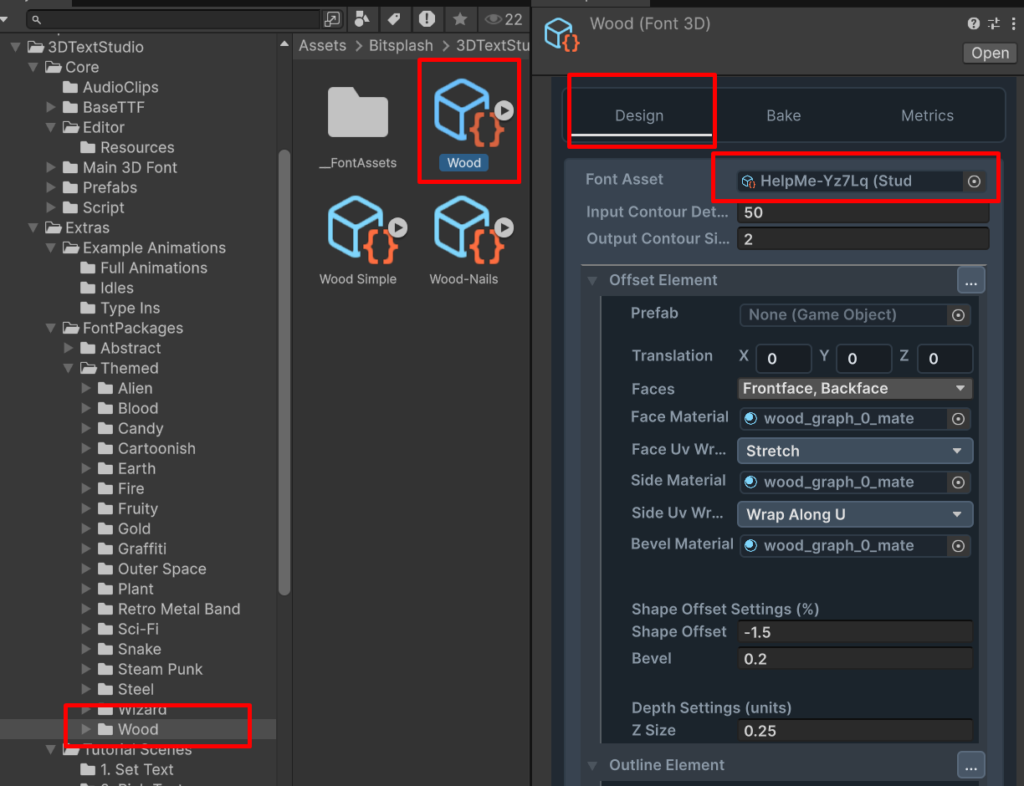
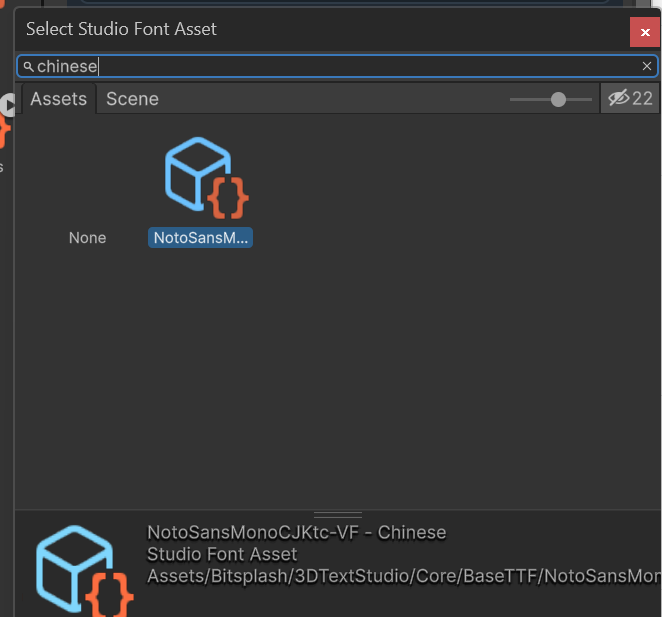
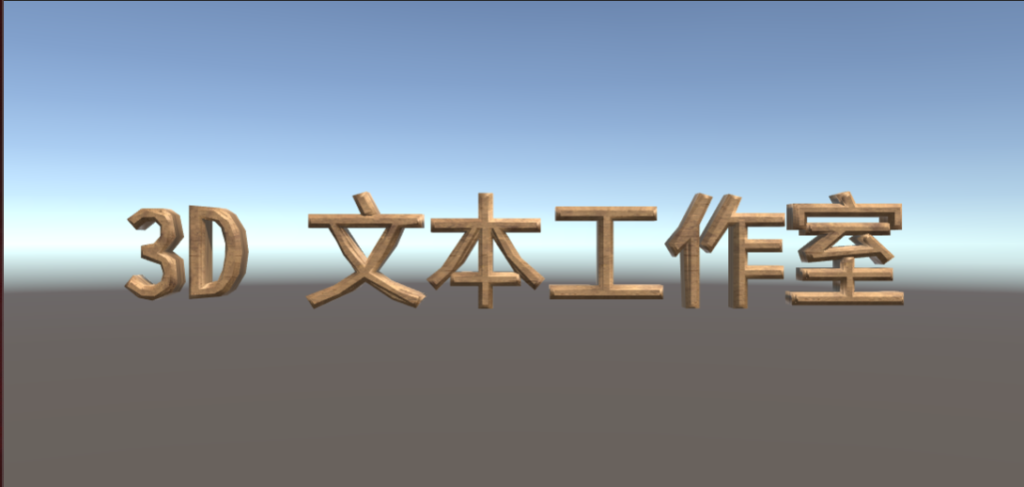
click on the font asset property. in the selection dialog , type “Chinese” and select the Font Asset NotoSansMono
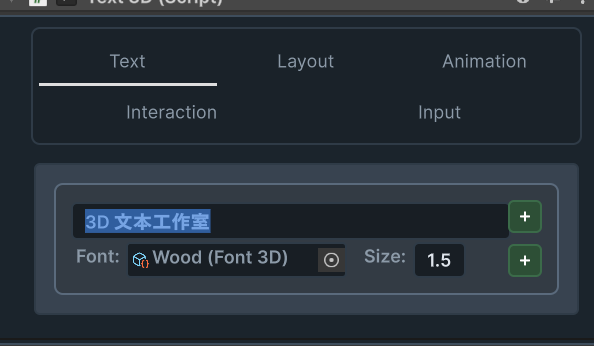
Now type Chinese characters into the Text3D Component
What about RTL languages ?
Right to Left languages , such as Arabic and Hebrew are supported with three limitations:
- The user cannot input text using the keyboard. This is result in a reversed text
- The text in the unity inspector is also reversed. However the order in the scene view is correct
- Rich text may require some extra attention in order to keep the order of the letters correct
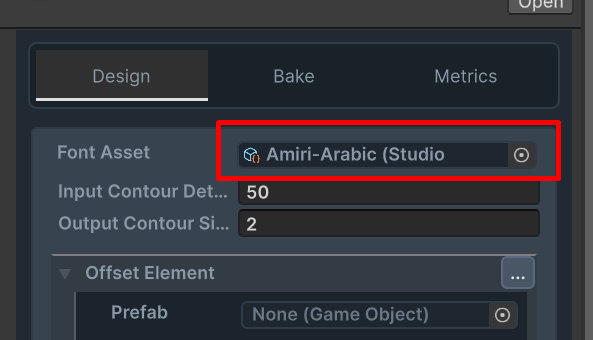
You can set the Font Asset to Amiri-Arabic :
Copy and paste Arabic text to your Text3D Inspector ( you can also set the text via script)
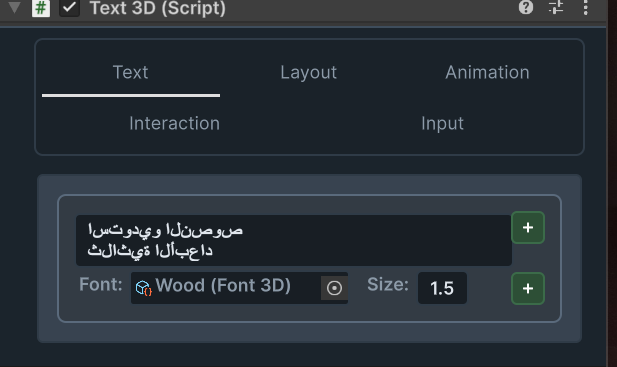
This is the result: