3D Text suite allows you to blend animation on a timeline ruler. you can find the timeline ruler on the animation/interaction/ and input tabs of the Text3D Component.
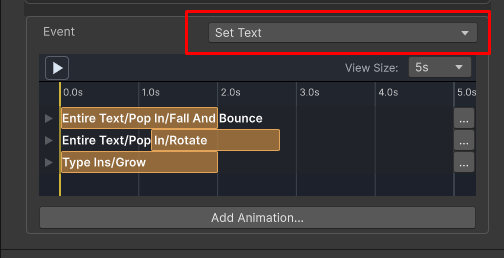
To change the animation event being edited. use the event combo
To Run the animation preview , click the play button:
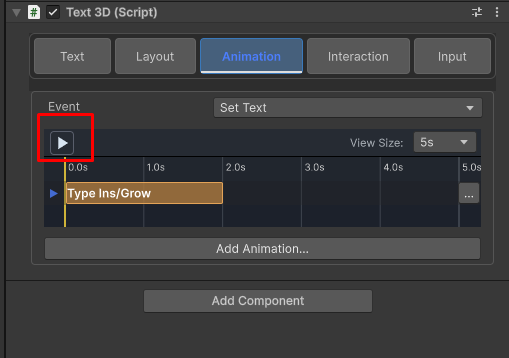
the preview is played in the scene/game views.
You can seek by tapping on the top of the ruler:
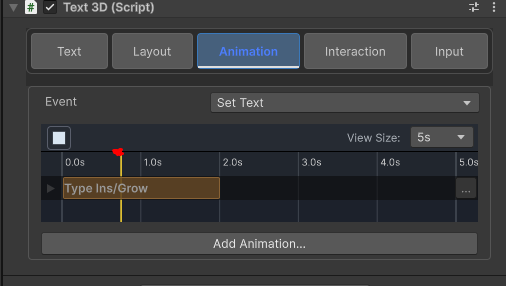
this allows you to see the smaller details of the animation
Adding an animation block
click on the Add animation button and select entire text -> pop in-> fall and bounce:
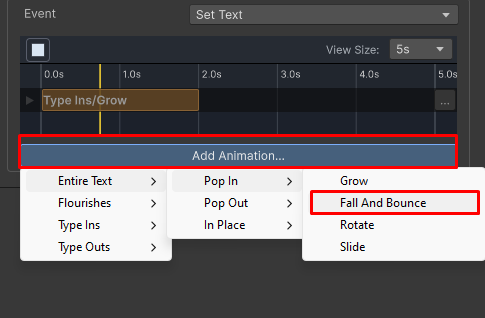
The animations of the type in and the bounce are now blended
Changing the timing of an animation
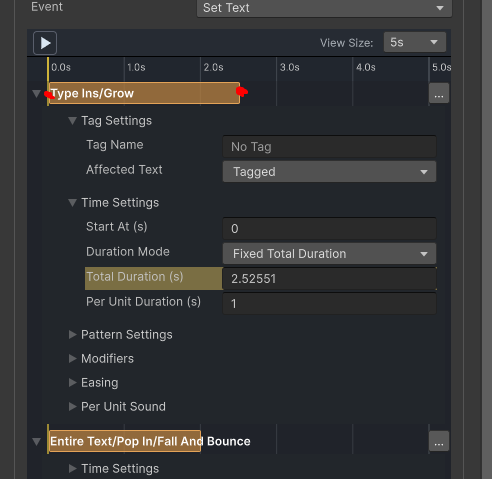
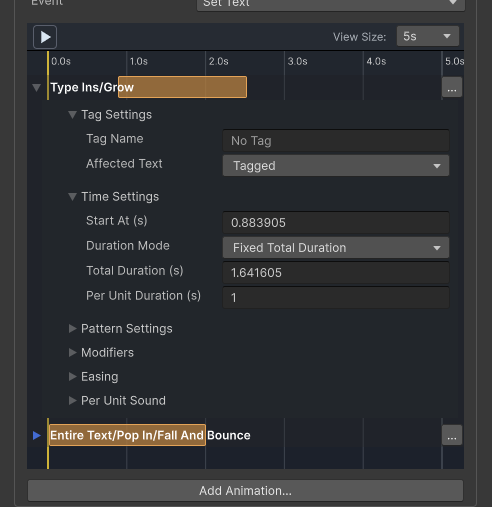
you can drag the side of the animation bar in order to change it’s position along the ruler:
Deleting/Disabling or moving an animation
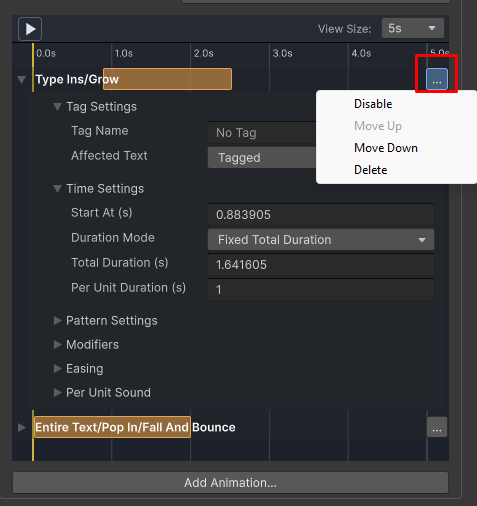
you can do that be click the … button on the side of the animation bar:
changing animation parameters
each animation bar can be expanded to see it’s parameters. The parameters control the timing, pattern , easing , sound and modifiers of the animation. You can learn more about each of the in this article