Once you understand how the Timeline Ruler works. You can start modifying animation parameters and create new and interseting animations. Some animation parameters are audio clips , that can play along with the animation. For example , when a type in animation is played , the audio can be played for each letter type in.
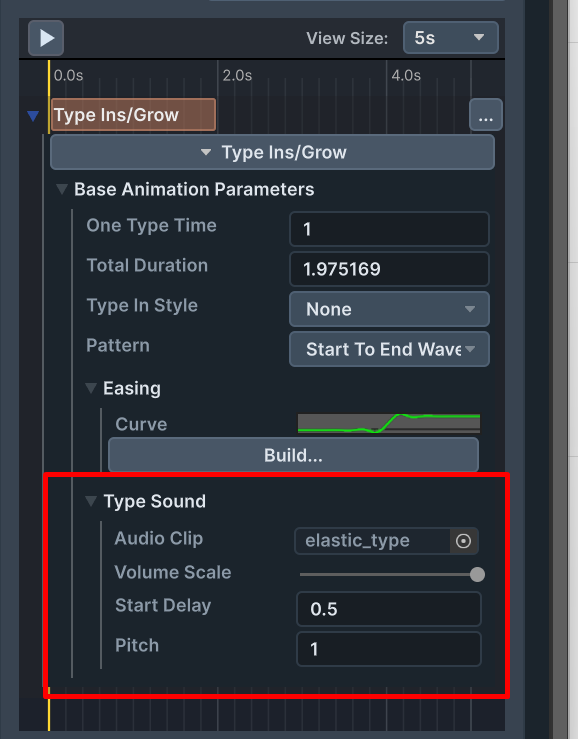
The sound parameter allows you to set the audio clip , volume scale , start delay , and pitch of the audio.
audio clips are played using an audio source pool inside the Text3D object