Once you understand how the Timeline Ruler works. And how Text Input works. you can configure input events. Input events can be edited under the Input tab of the Text3D component inspector:
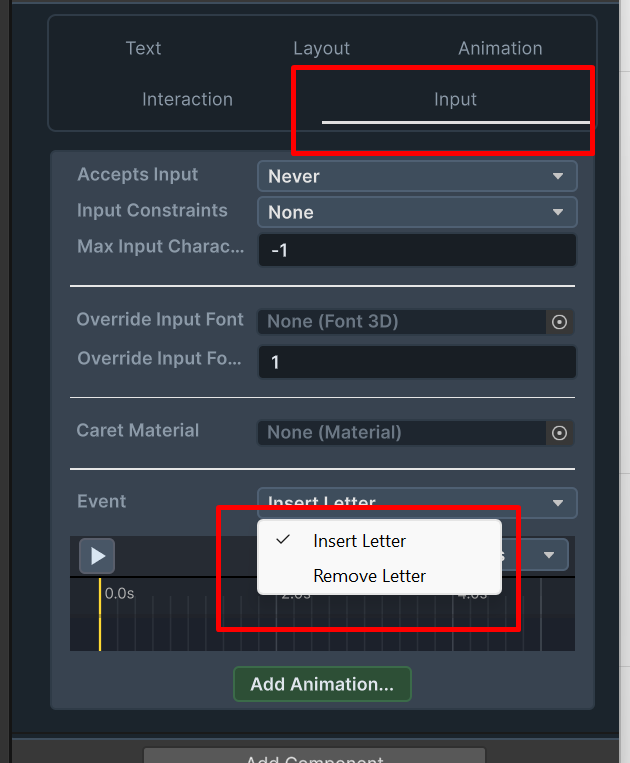
Insert Letter – this event is animated when user types a new letter. it is best to keep this animation very very short, to not interrupt the input from streaming. best to keep it around 0.1 seconds or less.
Remove Letter – this event is animated when the backspace button is pressed. this is the animation for loosing a letter from the text. it is best to keep this animation very very short, to not interrupt the input from streaming. best to keep it around 0.1 seconds or less.