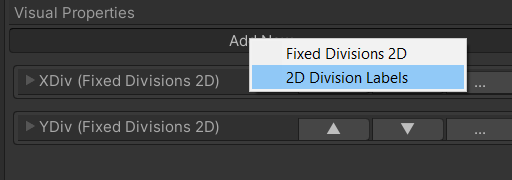
Add a new ‘2D Division labels’ feature to the chart axis
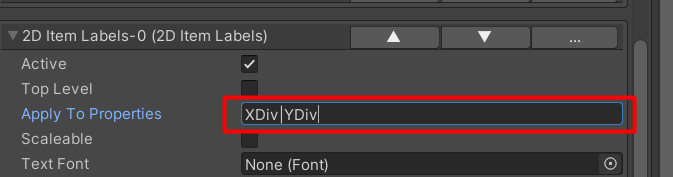
Apply the item labels to ‘XDiv’ and ‘YDiv’
You can specify multiple visual features by separating them with ‘|’
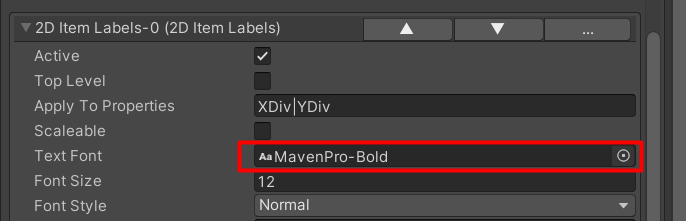
Assign a font to the item labels
Assign a material to the item labels

Set the item labels offset to ‘-20’px orthogonal

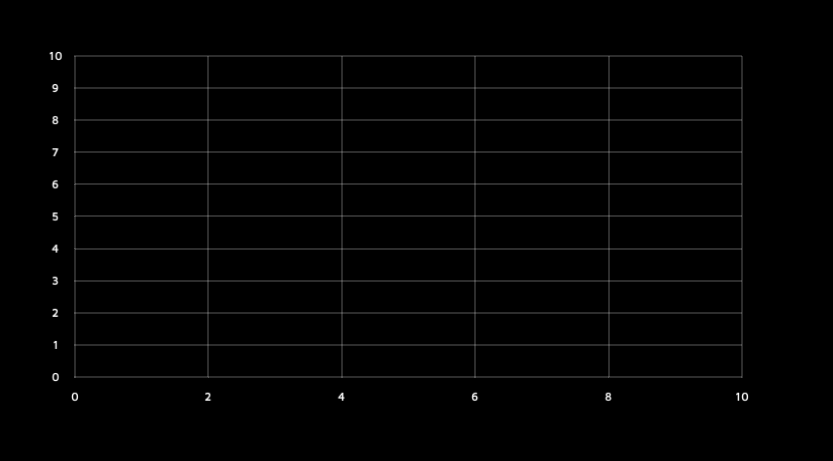
You should now have an axis with labels