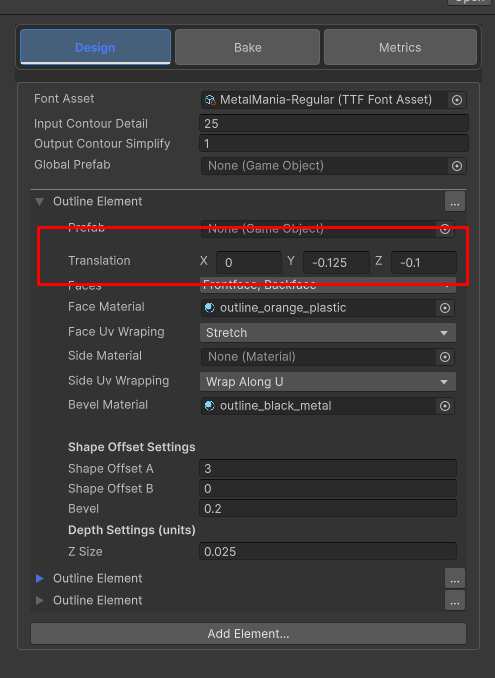
to learn more about creating 3d font styles. see this page
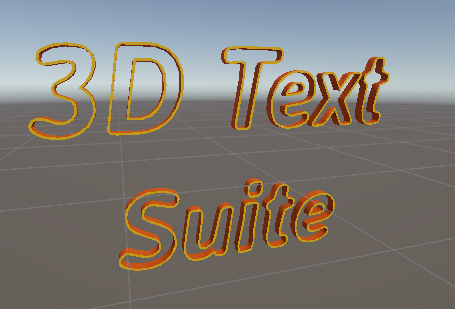
The outline element creates a mesh using the difference of two offsets. it looks like this :
The settings of “Outline element”
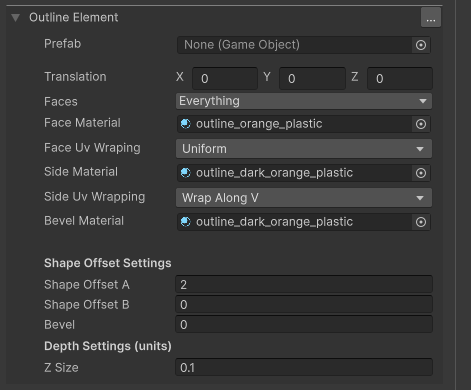
- Prefab – the base prefab for the offset element, all letter will be created with the specified prefab. Leave blank for default
- Translation – the translation of the element within the letter. You can use this to position the element relative to other elements
- Faces – use this to mask some parts of the mesh. For example , you can exclude the backface,sides or front face of the mesh.
- Face/Side/Bevel Material – Sets the material for the Faces , sides and bevel parts of the mesh
- Face Uv Wrapping –
- Uniform – the same for all letters. Maps the material as a (0,0) to (1,1) square
- Stretch – stretches the material according to the letter size.
- Side Uv Wrapping – choose if you want to wrap sides along the u or v of the material.
- Shape Offset A/B – These are the two offsets used to create the outline element. The lower is always subtracted from the larger
- Bevel – the bevel amount for this element
- Z Size – the z size (or extrusion amount) for this element.
Real Life example
in Extras/FontPacakges/Abstract/3 Outlines you will find this font:
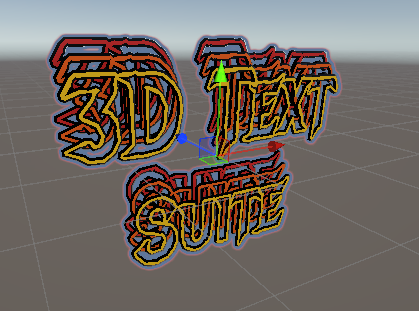
it is made with 3 outline elements. each is translated and assigned with diffrenet materials: