3D Font style assets define the visual appearance of a 3d font. They can work out of the box with any TTF File asset
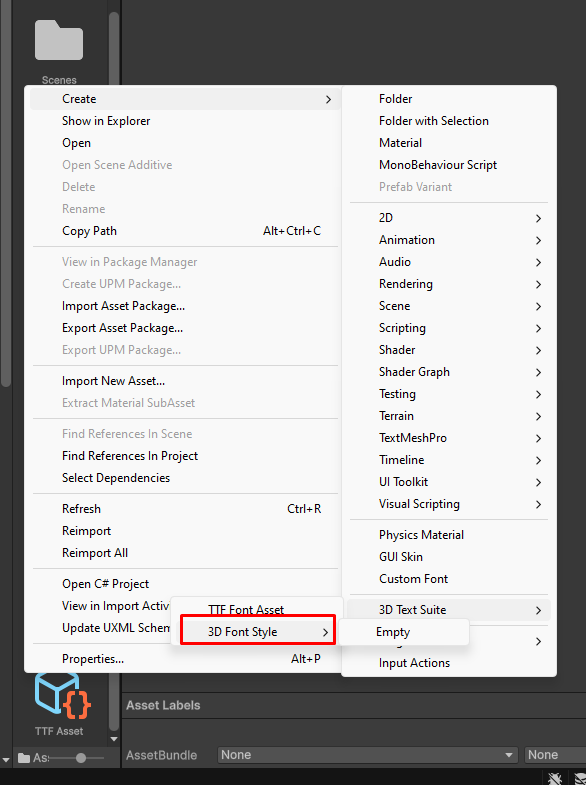
To create a new 3d Font style
right click on you project explorer and select Create->3D Text Suite-> 3D Font Style->Empty
Create a 3D Text Object and Assign the new font style to it
if you don’t know how to create a 3D text object see this page
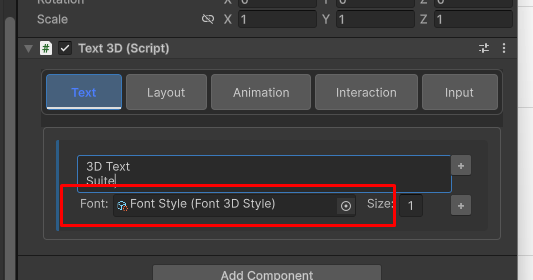
Now every change you make to the font style will immediately reflect on the 3D Text object
In the Design tab , you can edit the font style
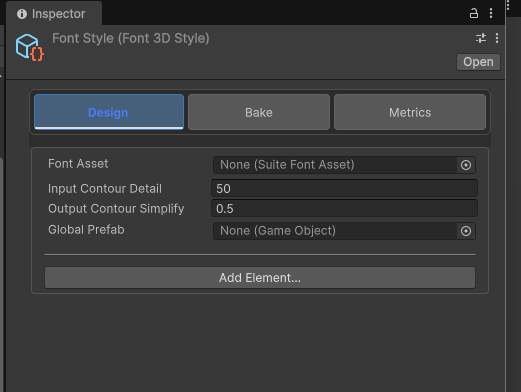
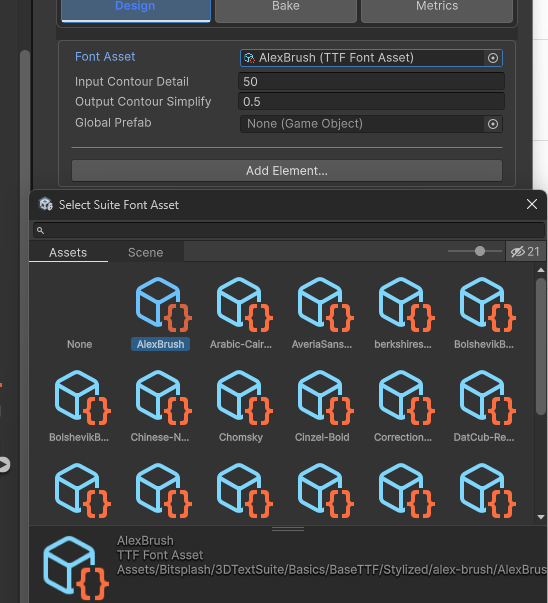
ASsign a tTF asset to the ‘Font Asset’ Field
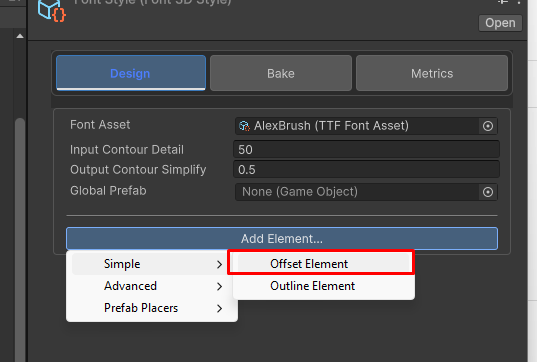
Add A new Offset Element To the 3D Font Style
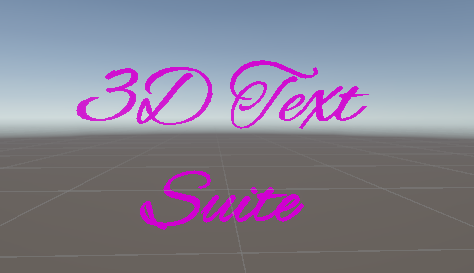
you’ll immediately see an initial mesh in the scene/game view :
You can assign materials to the mesh element and set it’s parameters.
Click the three dots on the side of the style element:
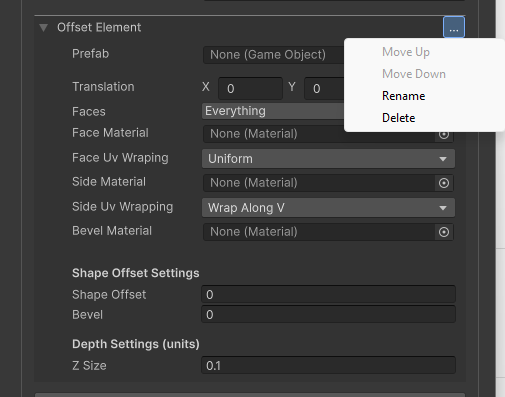
This is where you move, delete or rename the font elements.
See the refrence docs to learn about each style element type
also see how to put it all together