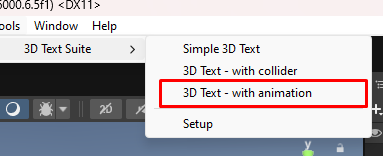
Go to the tools menu and create a new 3D Text with animation game object
Click on the text object and select the “text” tab:
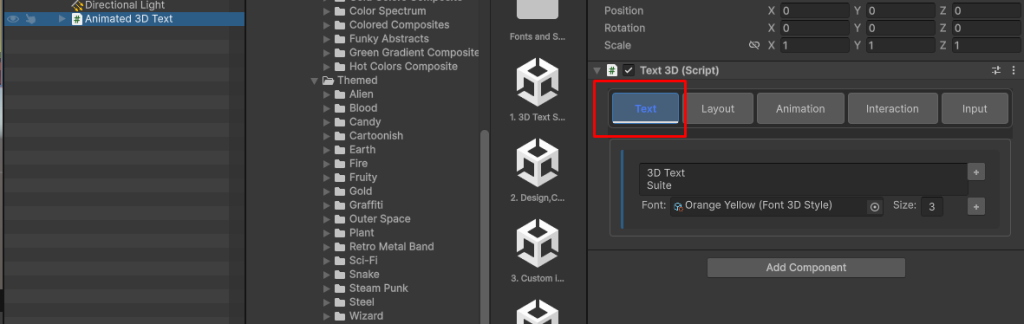
This is where you can set the text and fonts of the Text3D component.
Click on the Font Field
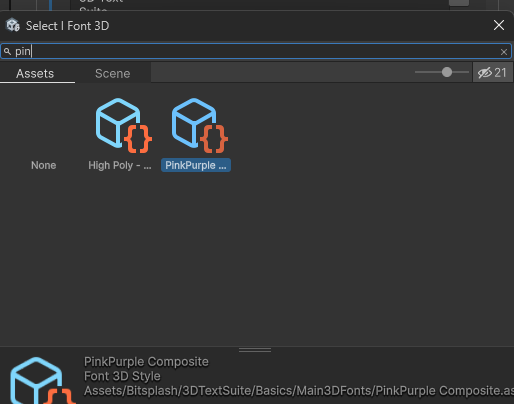
here you can select the font of the Text3D object
Click on the Animation Tab
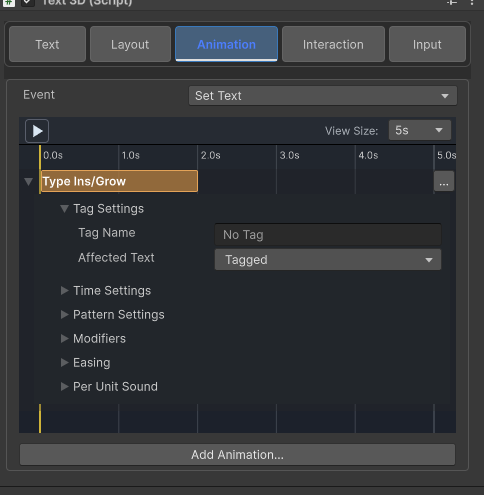
Here you an define custom animations for your Text3D object