After importing 3D Text Suite into your project you will see the setup window:
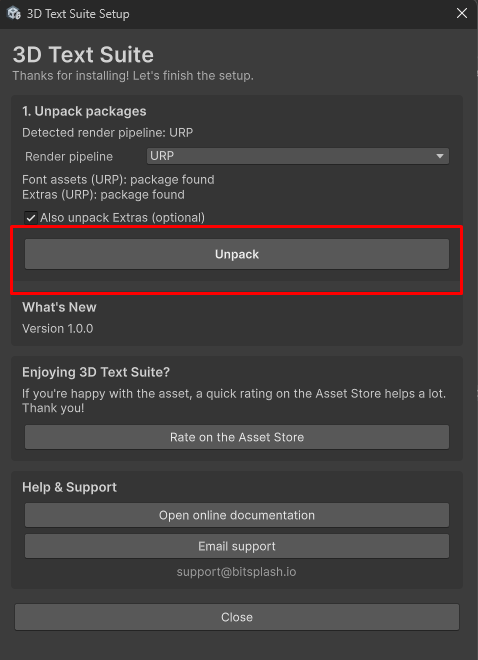
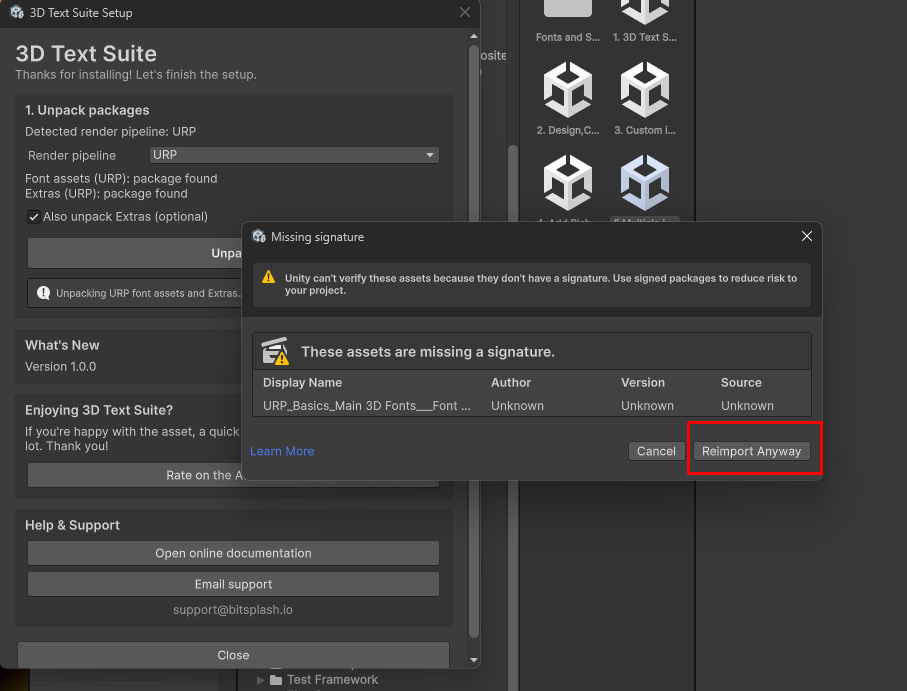
In order for the asset to function properly you must unpack for the Render Pipeline you are using. Select your render pipeline and click unpack. If this is your first time using the asset , it is also recommended to unpack the Extras.
What if i don’t see the setup window, or i want to go back to it ?
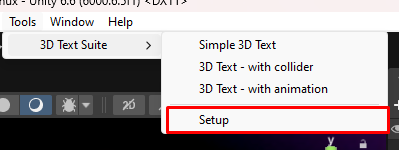
You can open the setup window at any time from the tools menu