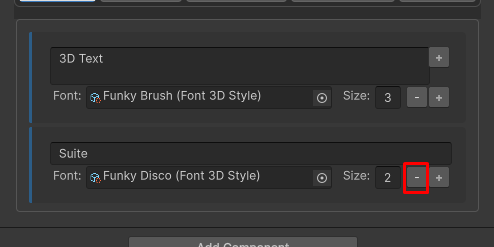
After creating your first 3D Text you may want to add a little more life to your text. Here is how to make rich text:
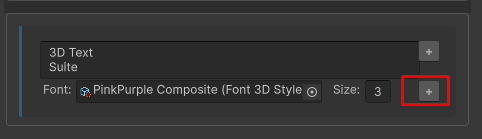
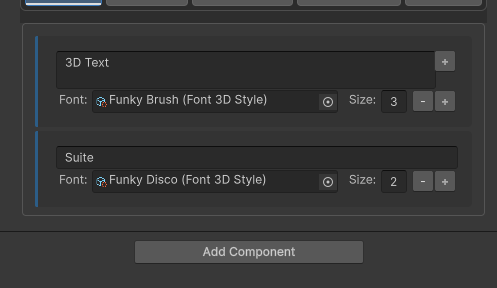
Click on the plus button to add a text span
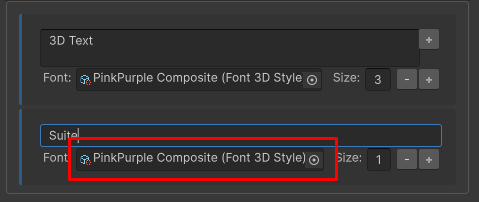
In the newly created item , select a different font
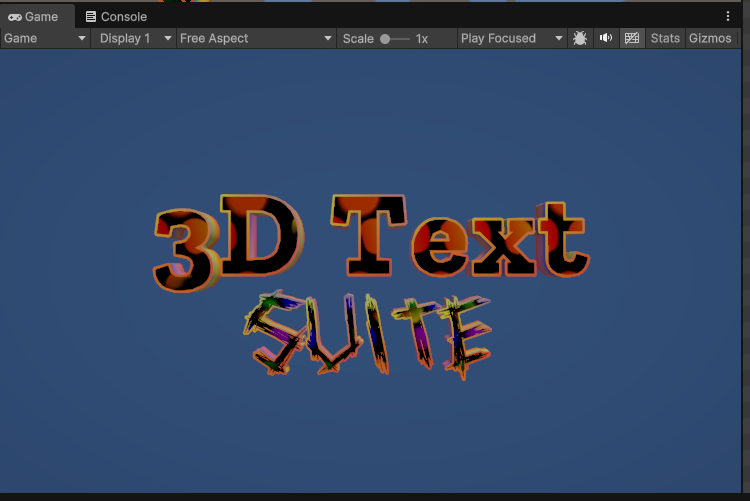
You can view the changes directly in the scene/game views:
If at any point you want to delete a text span, click the minus button