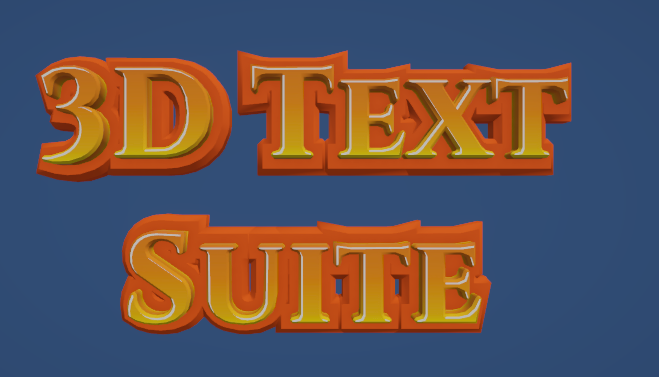
3D Font Styles assets define the visual appearance of a 3d font. A style is defined using one or more layers. each layer is essentially a visual feature of the 3d font. this feature can be either a mesh , or a prefab depending on the layer type.
Go To Basics/Main3DFonts
select “Orange Yellow” and duplicate it
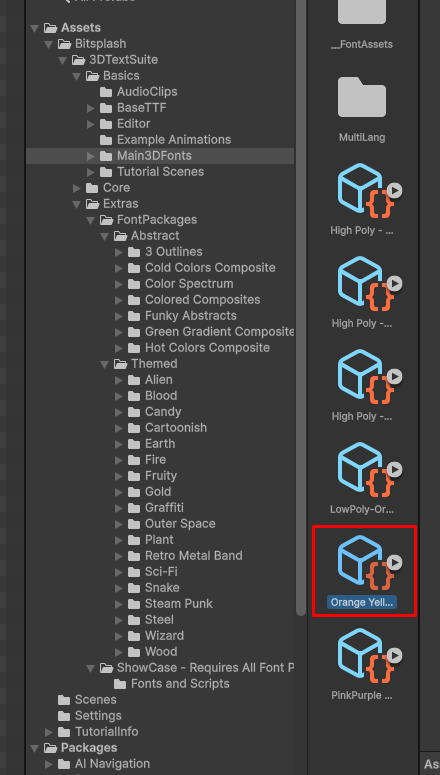
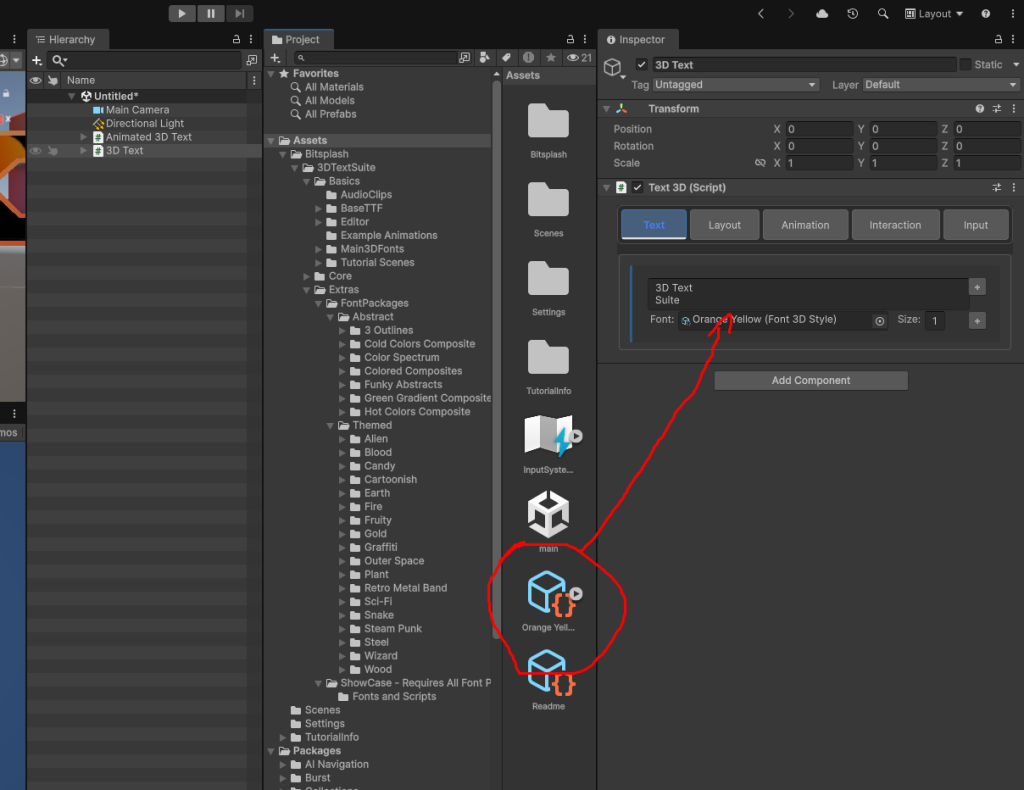
Assign the new 3d Font Style to a 3D text Object
firstly , Create a 3D Text Object
now assign the duplicated font style to it
Go To the Design tab in thE Font Style’s inspector
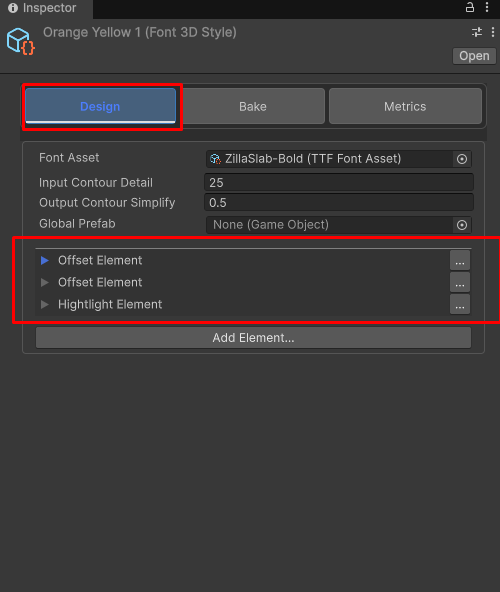
you can see this font style has 3 layer. Also you can see the the base TTF file for this style is ZillaSlab-Blod . Let’s replace it:
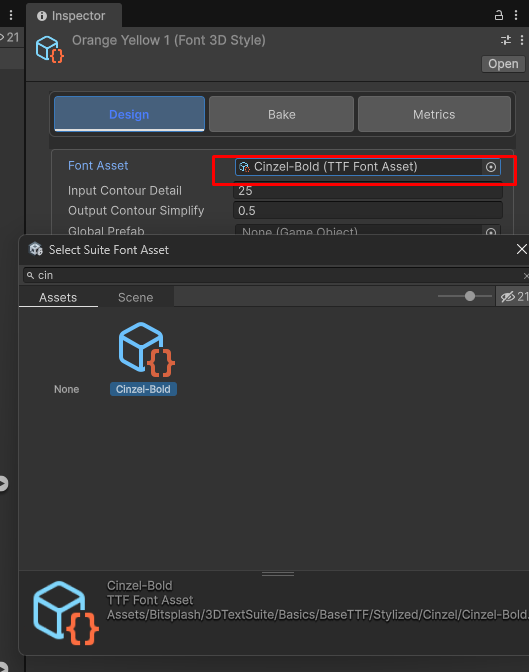
the result is immediately reflected on the 3D Text Object
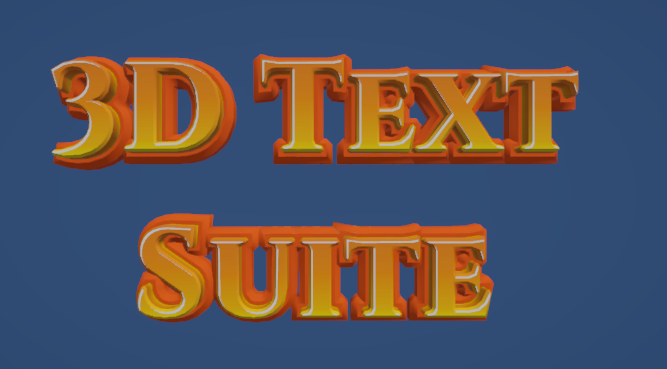
Now Exapnd the first layer of the 3D Font Style
increase the shape offset to 10.
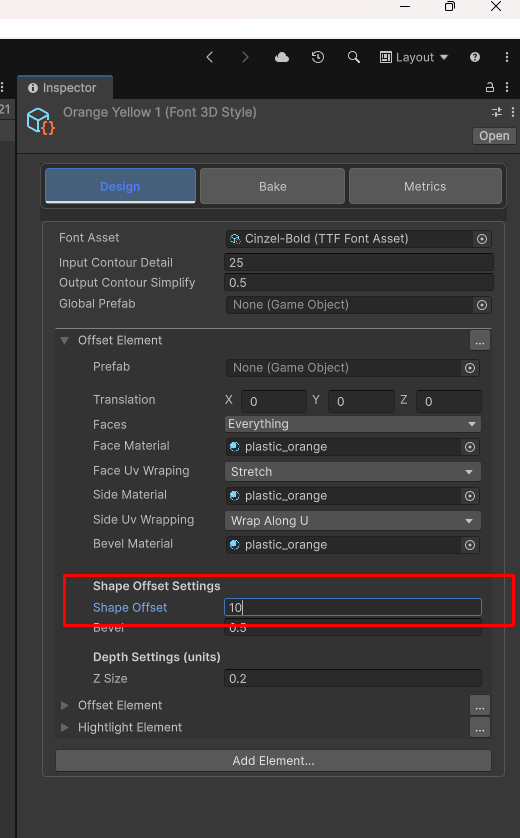
the result is immediately reflected on the 3D Text Object