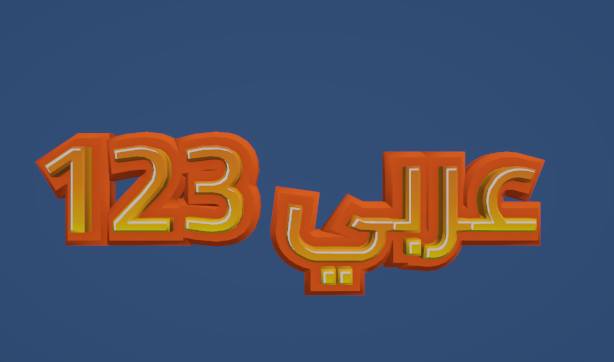
In this tutorial you will learn how to create text in multiple languages. First see : creating a 3D Text Object
Setting a language is done by duplicating the font style and assigning a TTF
to learn more about supported languages (and limitations) see this page
Select A font Style And Duplicate it
In this example we have duplicated “Basics/Main3DFonts/Orange Yellow”. go to the inspector of the duplicated font style
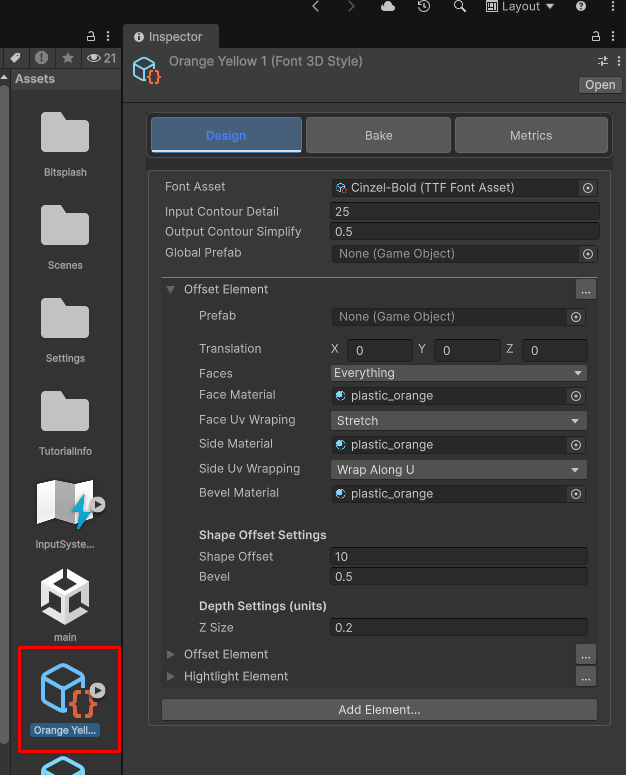
Click on the Font Asset Field and select a ttf Asset for the lanuage you wish to use. in this example we will use Japanese
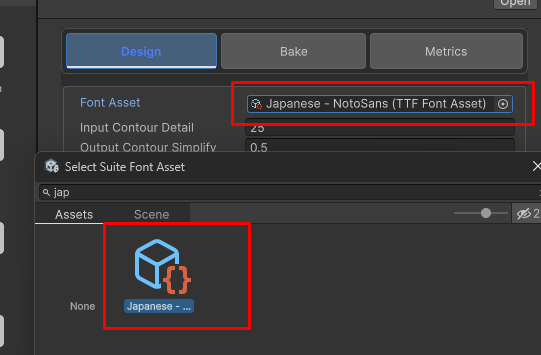
not all supported languages have TTF files that ship with 3D Text Suite. So you may want to learn how to Create a TTF asset
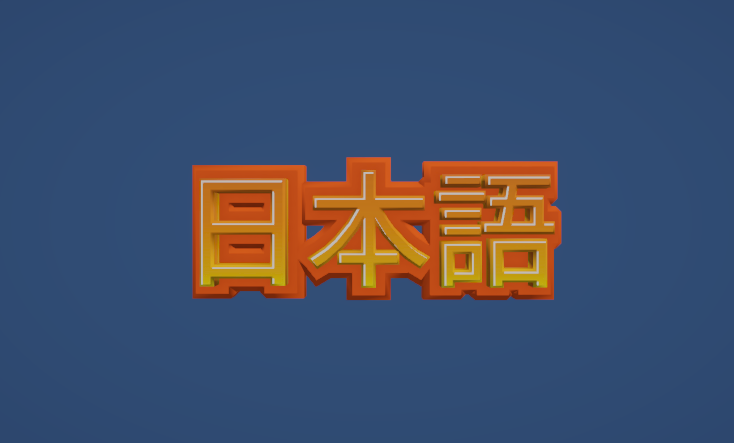
Go the 3d Text Object and type some japanses text
Right to Left language are supported out of the box
Now change the underlaying TTF asset to arabic