After creating your first 3D Text you may want to animate it.
Go To the Animation Tab
Notice that animation event field. Each event has it’s own animation set , you an create animation for standard events , or custom events. to learn more about animation events , see this page
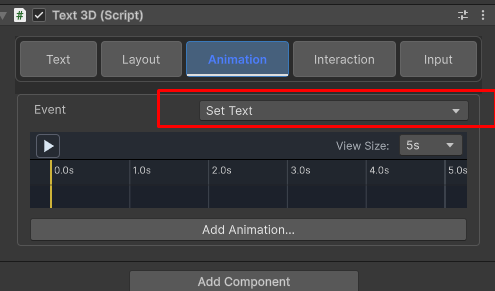
Select the ‘Set Text’ Event
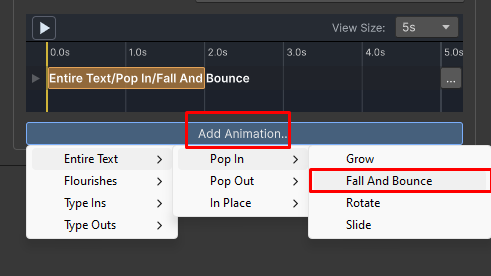
Click the Add animation button and select Entire Text -> Pop in -> Fall and bounce
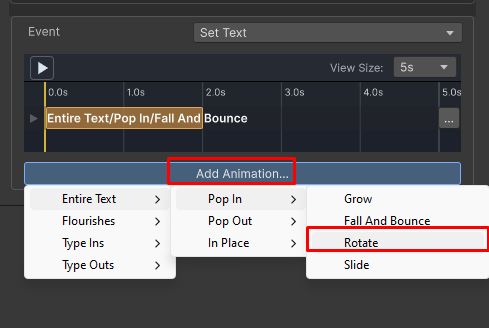
Click the Add animation button and select Entire Text -> Pop in -> Rotate
Set the animation Timeline
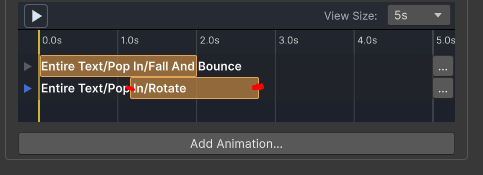
by dragging the edges of the animation bars.
Click play
if done properly , you should see a cool animation on your scene/game views